

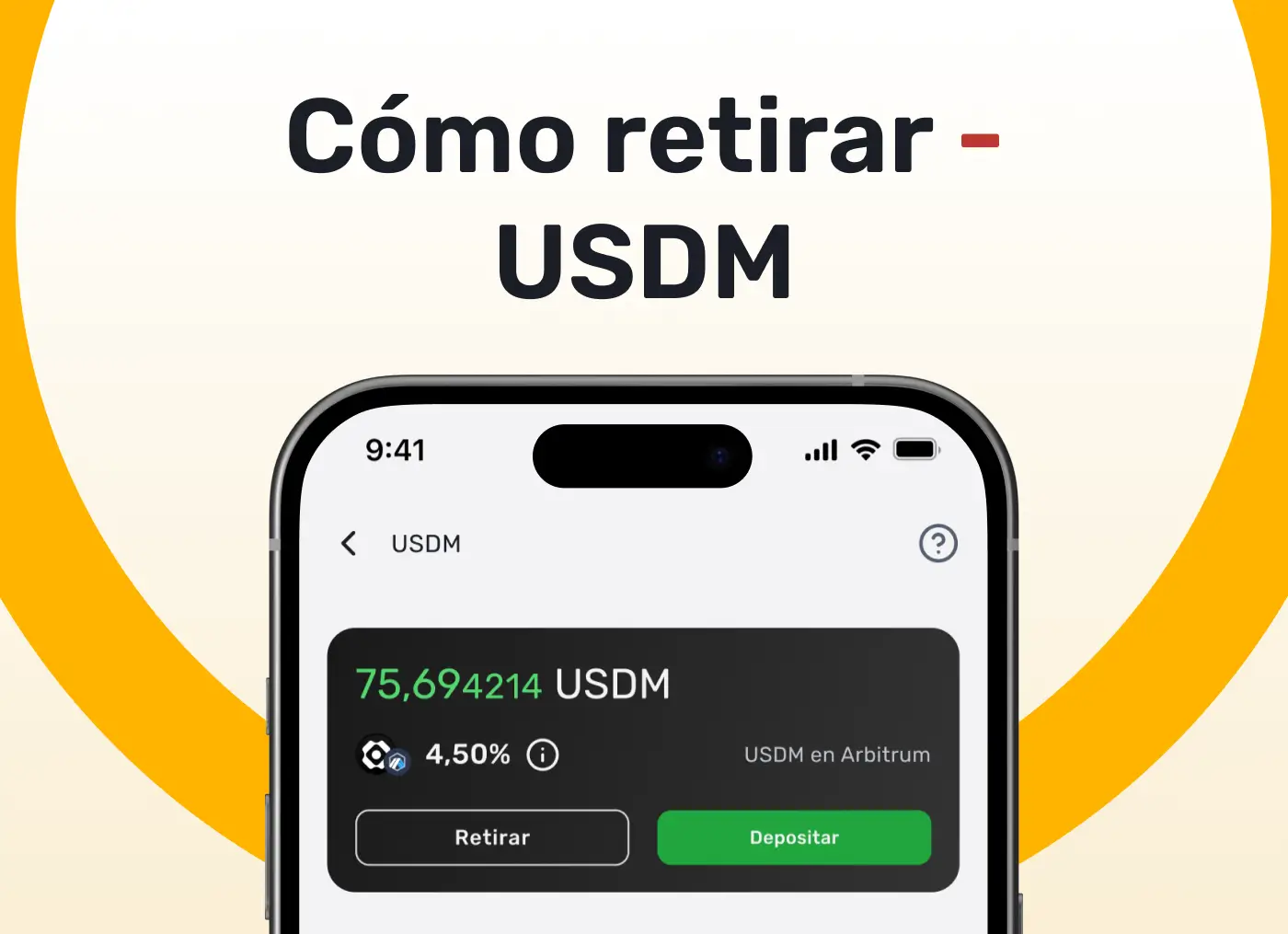
If you've already started generating profits with your USDM funds and you want to withdraw your money to use it, you're on the right blog. This process is easy and fast. Here's how to do it in a few simple steps:
Steps to Withdraw Funds from El Dorado Ghana
- Access El Dorado Ghana
- Open the El Dorado app and tap the “Win” button at the bottom of your screen.
- Select the USDM vault
- In the “Earn” section, select the wallet where you hold your USDM funds.
- Start the Retreat
- Press the “Withdraw” button to begin the withdrawal process from your safe to your El Dorado wallet.
- Indicate the Amount to Withdraw
- Specify the amount of USDM you want to withdraw.
- Confirm your Withdrawal
- Review the information and confirm your request. The selected amount will automatically be transformed into USDT and your winnings will be deposited in your main El Dorado wallet.
And Ready!
Your withdrawal will be processed and you will receive your funds in USDT in your El Dorado wallet. Processing time may vary, so be sure to keep an eye on your notifications.
Ready to enjoy your profits?