

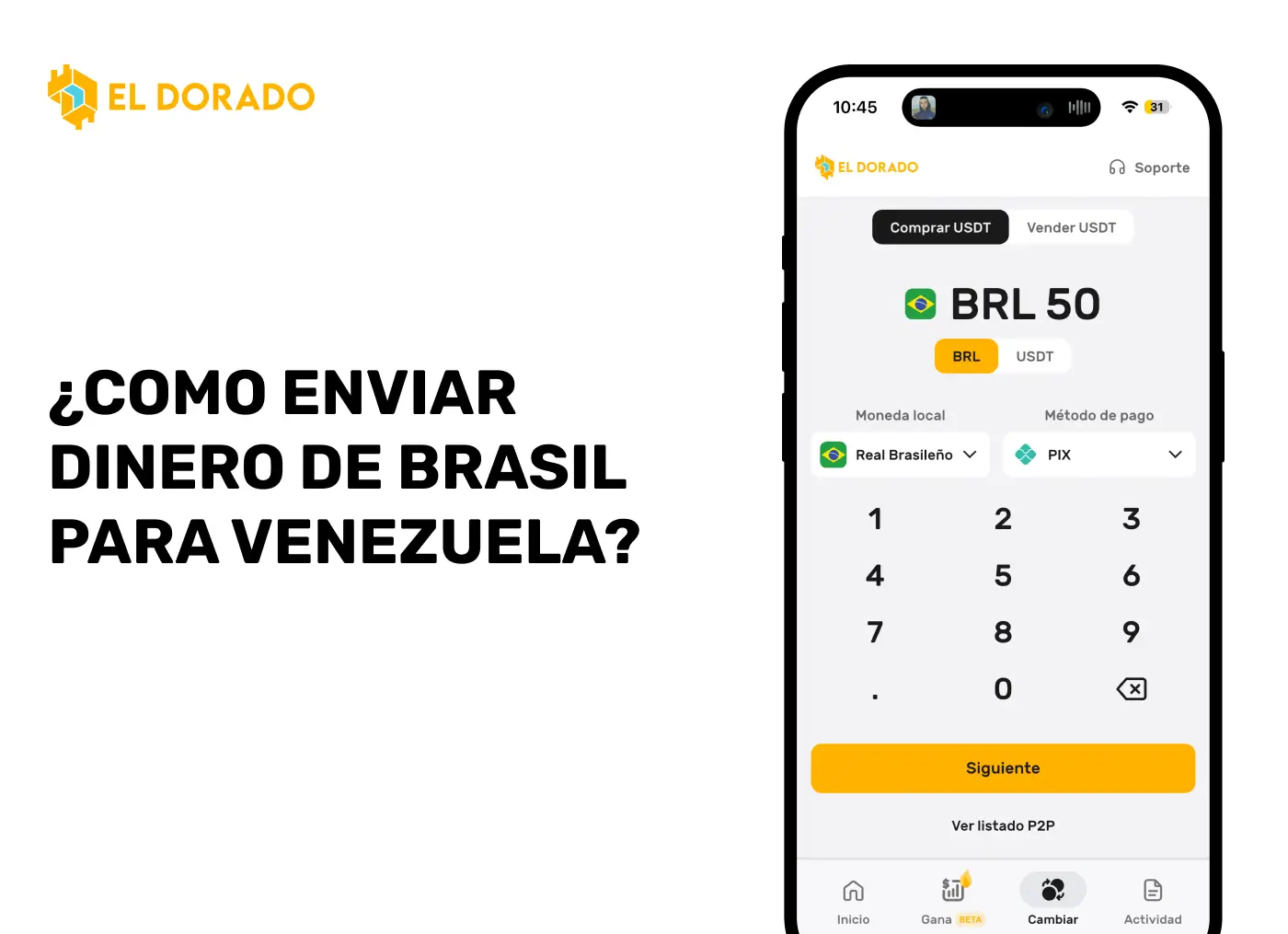
How to send money from Brazil to Venezuela with Zinli
If you're in Brazil and need to send money to Venezuela, you can do so with Zinli.
Next, we explain step by step how to convert Brazilian reais (BRL) into Zinli balance through El Dorado, buying USDT and then selling them for Zinli balance to finally send it to another Zinli account at no cost.
This way, you send money through virtual wallets, from the comfort of your phone. Your relative abroad can then use the Zinli virtual card to make purchases online, or buy the physical Zinli card
Step 1: Create an El Dorado P2P account
The first thing you need is to sign up for El Dorado. Once your account is created, you must verify your identity in order to carry out operations.
Step 2: Verify your account
- Sign in and click on your name in the “Home” section.
- Select the yellow “Verification (KYC)” card.
- Fill out the form with your name, document, phone number and date of birth.
- You will receive a code via SMS to verify your number.
Step 3: Buy USDT with Pix
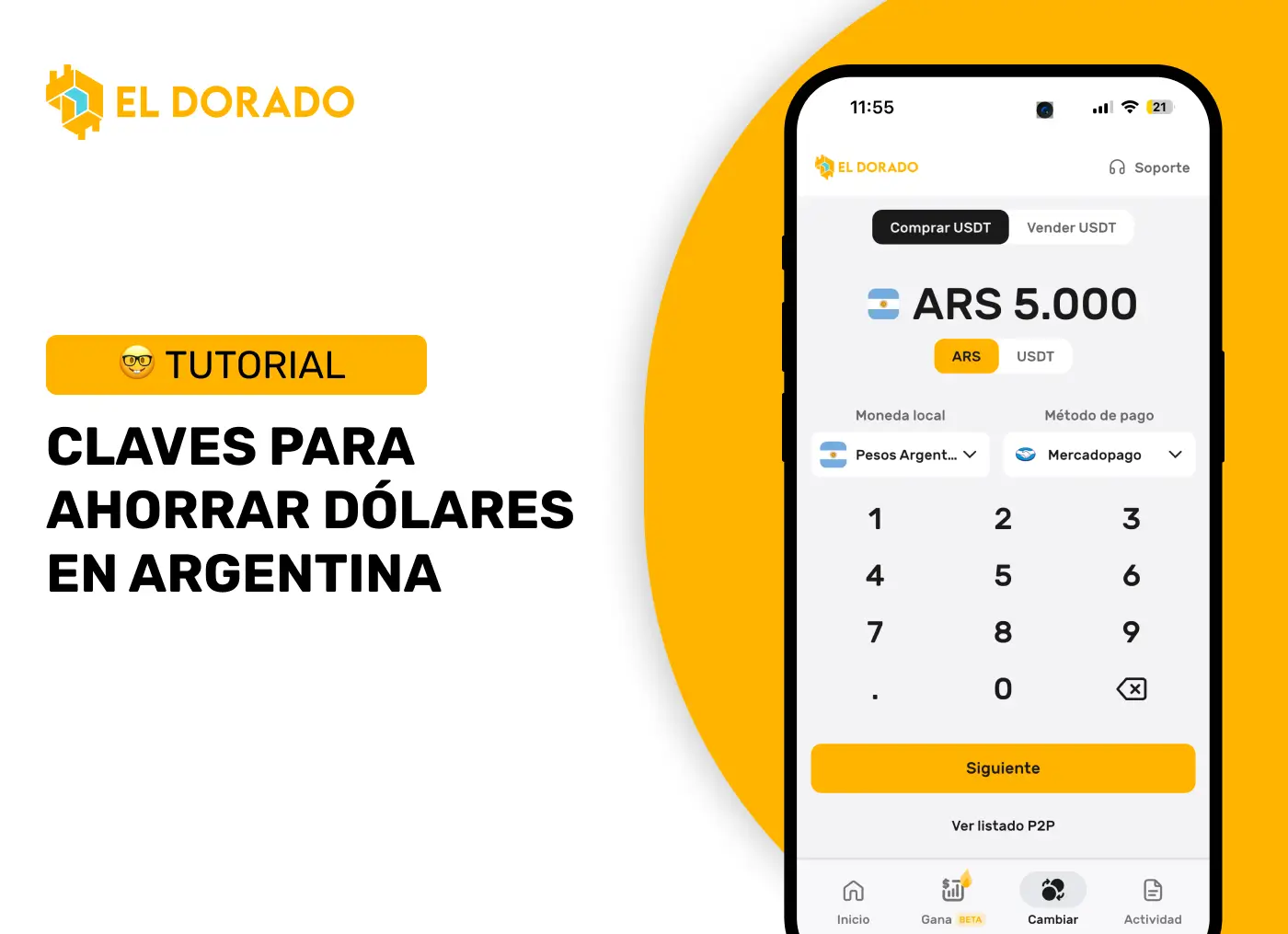
- Go to the “Change” section.
- Select “I have BRL” and “I want USDT”.
- Choose an online merchant, enter the amount and press “Exchange BRL for USDT”.
- Make the payment via Pix from your bank (Nubank, Itaú, etc.).
- Attach the voucher and wait for the seller to release the USDT.
Step 4: Sell USDT by balance on Zinli
- Under “Change”, select “I have USDT” and “I want USD”.
- In payment methods, filter by Zinli.
- Choose an online merchant, indicate the amount to be sold and accept the order.
- Once you receive the balance in your Zinli account, mark as “Payment received”.
Step 5: Send money to your family member through Zinli
With available balance in your Zinli account, simply log in to the Zinli app and make a free transfer to your family member's account. You will only need their email or number associated with Zinli.