

If you came to this blog you are probably asking yourself this big question: Can I recharge Zinli with PayPal?
The answer is yes, thanks to our P2P marketplace, we can offer our users the possibility of connecting payment methods that are not directly compatible.
Because yes, you cannot recharge Zinli with PayPal directly, but using El Dorado as an intermediary you can do it in a matter of minutes and quite safely.
Recharge Zinli with PayPal in El Dorado P2P
The process to recharge your Zinli card with PayPal balance is quite simple and to make it even easier to understand we will divide it into 2 parts:
How to exchange PayPal to USDT?
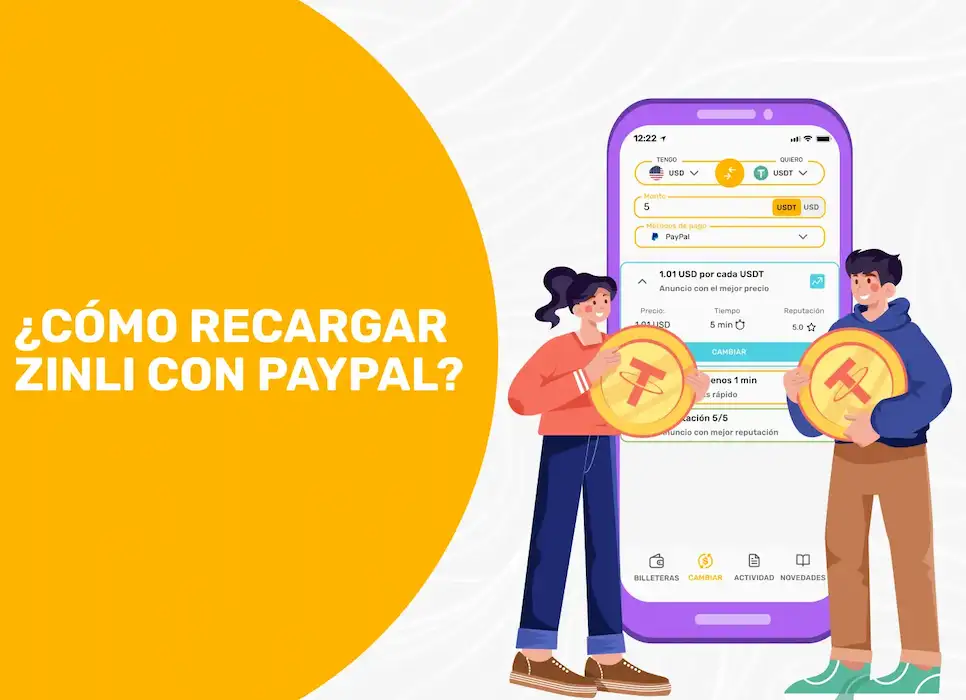
The first part of the process will be to exchange your available balance in PayPal to USDT in El Dorado, to do this you must follow these steps:
- Access the app of Eldorado.io on your device Android / iOS or from the web version.
- Press the” tabChange”
- Now select “I have” USD and in “I want” USDT
- You can activate in the filters, the payment method”PayPal” so you will see only the offers available to change PayPal to USDT.
- Find the offer that fits your needs and press “Change”.
- Review the order details and if everything is fine, press “Exchange USD for USDT”. ⚠️ Note: Here you should carefully read the Merchant's Terms and Conditions and confirm that you have read them.
- Once in the order, follow the steps indicated by the Merchant. ⚠️ Note: This point is important, as most Merchants do not receive direct payments, but use the PayPal invoice system.
- When you make the payment, press the “Payment Made” button and wait for your counterparty to confirm that they received it.
Once you complete these steps, the first part of the process will be ready, now you have your USDT in El Dorado and all that remains is to send them to Zinli, this is the easiest part of all.
How to recharge Zinli with USDT?
This part of the process is very similar to the previous one, only that, on the contrary, follow these simple steps to achieve the objective:
- In the” tabChange” press the yellow arrows to change the position of the coins.
- Now you should keep “I have” USDT and “I want” USD.
- Select payment method”Zinli” and you will automatically see all the offers available to recharge your Zinli wallet.
- Find the offer that fits your needs and press “Change”.
- Review the order details and if everything is fine, press “Exchange USDT for USD”.
- Now you just have to wait for the Merchant to make the payment to your Zinli account and mark the payment as made.
- When it does, check your Zinli account and if the payment is there, press “Payment Received”.
And everything is ready! It's that simple and in a matter of a few minutes you sent your money from PayPal to Zinli using the Dorado.io as a bridge.
With our P2P marketplace you can connect all the payment methods you want, regardless of whether they are from one country or another, you set the limits here.
In our app you can also recharge your Wally card or Zinli starting at $1 and including Earn some extra money as a Merchant.
If you want to learn to How to recharge Zinli in Venezuela, visit our blog and discover all the possibilities that Eldorado It has for you.
Whether you want to trade cryptocurrency or sell products, El Dorado Wallet is the ideal option to earn USDT in Venezuela. Sign up from our website or Download the app within Android or iOS.
See you in El Dorado!